
Watch Your Phone on TV Wirelessly
Connect your Android to any smart TV in seconds. Share photos, stream videos, play games, and view documents on the big screen – no cables needed.
Everything You Love, Now on the Big Screen
No Cables Required
Connect wirelessly through your home Wi-Fi network. Forget about buying adapters or untangling cables – just tap and cast to enjoy instant big-screen viewing.
Share with Everyone
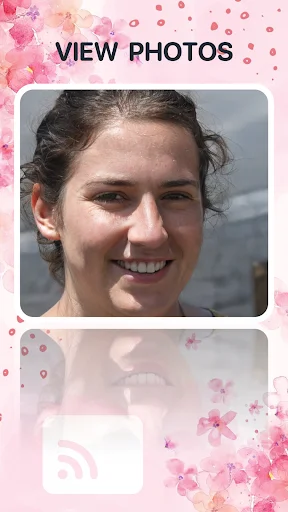
Stop passing your phone around the room. Show vacation photos, funny videos, or special moments to family and friends all at once on your TV for a better shared experience.
Cast Anything You Want
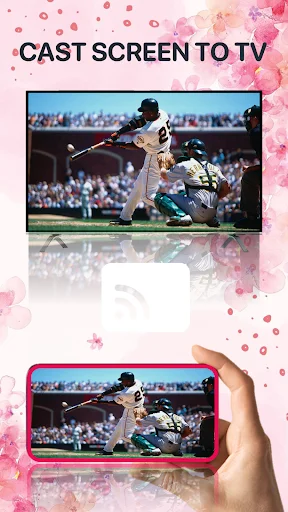
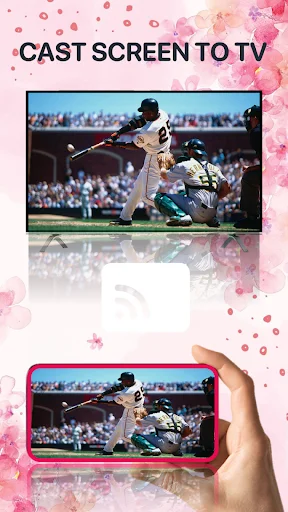
Mirror photos, videos, music, mobile games, documents, and your entire screen. Whether it's movie night, gaming session, or work presentation, your content looks better on TV.
Connect in Seconds
Simple three-step setup gets you casting fast. Open the app, select your TV from the list, and start enjoying your content on the big screen right away.
ABOUT
Cast To TV: Screen Mirroring App - View Phone Content On A Bigger Display!
Cast To TV: Screen Mirroring App will assist you in connecting your Android phone to a smart TV so you can enjoy photos, videos, music, games, browsing, and documents on a larger display. It works through wireless casting, making it useful for family viewing, entertainment, presentations, and quick sharing without extra cables.
TV Cast: Mirror App helps you connect both devices through the same Wi-Fi network. Mirror Screen: Cast TV gives you a simple way to show your phone activity on a bigger display when small mobile viewing is not enough.
Wireless Viewing Features:
- Share Screen: TV Mirroring App - Show photos, videos, games, and documents on TV
- TV Screen Sharing: Mirror Cast - Mirror your phone display for easier group viewing
- Screen Casting App - Connect your Android phone with supported smart displays
- TV Casting Tool - Watch saved videos, open media, and enjoy larger playback
- Cast To TV: Screen Mirroring App - Use Wi-Fi-based casting with simple controls
- TV Cast: Mirror App - Share memories, clips, music, and mobile content
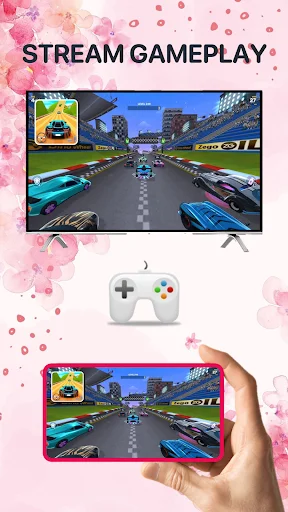
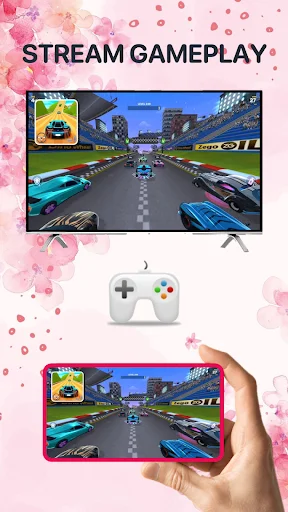
- Mirror Screen: Cast TV - Stream games and browse content on a larger view
Cast videos, mirror games, share photos, and play audio wirelessly!
Share Screen: TV Mirroring App is useful when you want friends or family to see what is on your phone without passing the device around. You can show vacation pictures, watch HD clips, play music, browse files, or open documents with a clearer view.
TV Screen Sharing: Mirror Cast also helps when mobile games or media feel better on a wide display.
Simple Connection Flow:
- Connect your phone and smart TV to the same Wi-Fi network
- Open Screen Casting App, and tap the casting option
- Choose TV Casting Tool to search for available smart displays
- Use Cast To TV: Screen Mirroring App after selecting your TV from the list
- Try TV Cast: Mirror App when sharing photos, videos, or music
- Open Mirror Screen: Cast TV for games, browsing, and phone display mirroring
- Start viewing once the connection is ready
Easy Setup For Smart TVs:
Most supported smart TVs include a casting or wireless display option, and some models keep it enabled by default. If your TV requires manual setup, open the display or cast setting first, then connect from your phone. Share Screen: TV Mirroring App keeps the process simple by helping you search, select, and begin casting with fewer steps.
Entertainment, Games, And Everyday Sharing:
A larger display makes videos, games, photos, and documents easier to enjoy with others. TV Screen Sharing: Mirror Cast is helpful for movie nights, gaming sessions, family memories, lessons, work previews, and casual browsing. You can also manage TV volume wirelessly when supported, which adds more convenience when the physical remote is not nearby.
Broad Casting Support:
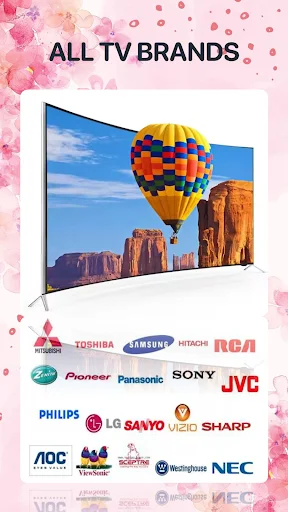
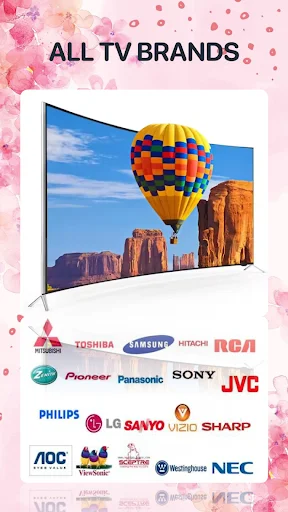
Screen Casting App is designed for many smart TVs, streaming devices, and wireless display setups across different brands. Connection quality can depend on Wi-Fi strength, TV support, and device settings, so keeping both devices on the same network gives the best result.
Make Phone Content Easier To Watch And Share!
TV Casting Tool gives you a practical way to move mobile content onto a bigger display with wireless controls, media sharing, game mirroring, photo viewing, audio playback, and smart TV connection support. With a clean layout and quick setup, your favorite phone content becomes easier to enjoy on TV.
See How Simple Casting Can Be

Join Thousands Enjoying Big Screen Viewing
lm amazed .... just know it's the best experience
lm amazed .... just know it's the best experience
THE BEST IN OF THE WORLD 🌎 2025 & 2026
THE BEST IN OF THE WORLD 🌎 2025 & 2026