Join millions of users
Convert Video to MP3 in Seconds
Extract clear, high-quality audio from any video in seconds. Trim, merge, and make ringtones with simple tools that work with MP4, AVI, and more.
Powerful tools for instant audio
Fast, High-Quality Conversion
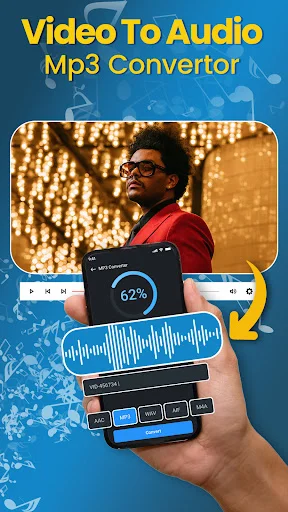
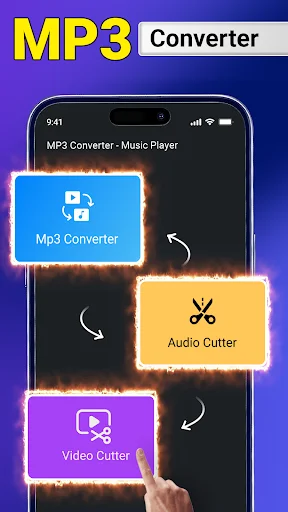
Convert video to MP3 or audio-only in seconds without losing sound quality. Ideal for songs, ringtones, and podcast clips.
Custom Ringtones in Minutes
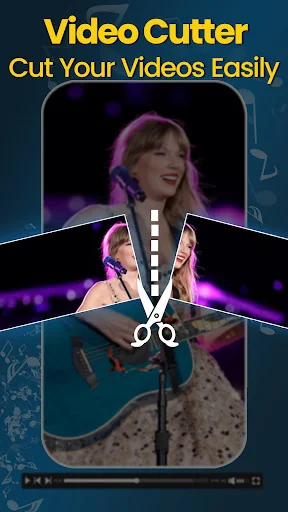
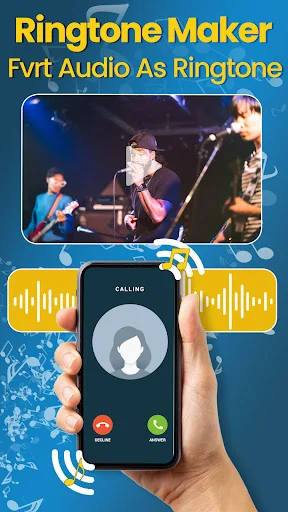
Cut the exact part you need and save it as a ringtone. Keep only the best moments from any video.
Trim, Merge, Arrange
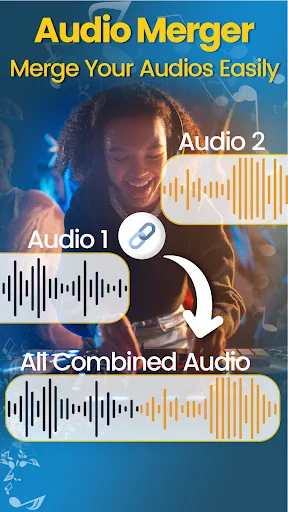
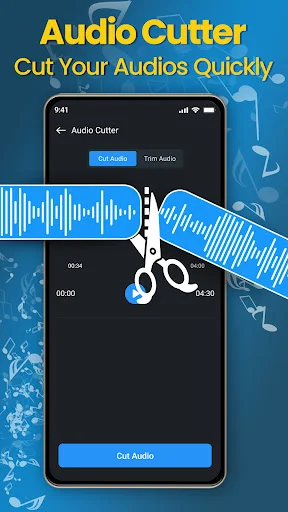
Remove unwanted parts, merge clips, and arrange audio exactly how you like. Build mashups or playlists with smooth results.
Large Files, Batch Ready
Reliable with large videos and bulk conversions. Supports MP4, AVI, and more formats to fit your workflow.
ABOUT
Quickly Convert Videos to Audio
With the Video to MP3 Converter App, you can convert any video you like to a high-quality file. This app is perfect for reliable, instant extraction. Whether you want to save a song or convert the audio from a video to a ringtone, the convert video to mp3 app is perfect for the task.
The Video to MP3 Converter App has all the features you need to extract, trim, merge, and customize audio. The app also functions seamlessly as a convert video to audio app, providing extra flexibility for managing your files.
Fast and Easy Conversions
You can search any video file in MP4 or AVI format, and complete the conversion in peace, as you will not lose any audio quality. The app is ideal for making clips or playlists, is perfect for students, content creators, and professional musicians, or anyone else in need of fast and smooth conversion tasks. The app is perfect for anyone who needs a video to audio file converter or a simple audio converter to mp3 for their everyday use.
Top Tier Features
Some of the videos you might want to keep, and this app allows you to do just that, and you may even choose the quality you want. If you want to keep your files in the same format, you can also use this app to convert videos to audio. Users can quickly edit videos in many ways and due to the convert to mp3 app design, instructions are easy to follow, and everything runs smoothly.
Custom Scratch, Trim, and Edit
You can use this app to save mp3 files to your phone and use it as your ringtone. You can cut any parts that you do not want to keep and it lets you to arrange the remaining audio to your preference. This app is best used for sound recordings, audio mashup creations, and certain segments of podcasts.
Get this convert video to audio app. It is effective as both a video to audio file converter and an adaptable convert to mp3 utility.
Why Should You Consider Our Video to MP3 Converter App?
- Outstanding Quality
- Quick and Accurate Conversions
- Trustworthy Audio Quality
- Ringtone Maker
- Audio Cutter and Merging
- User Friendly Interface
- Video to Audio Converter
- MP3 Converter
- Supports All Video Formats
Video to Audio File Converter
This convert video to mp3 app lets you retain only what is needed which allows you to conserve time and reduce your storage requirements. This app is trusted by a lot of clients for their everyday video conversions especially when there's a large file or bulk conversion to do. This app assists you to convert your files to mp3 format while saving quality. This app is reliable as a convert video to audio app tool.
Fast, Dependable, and Constantly Enhancing
Is there a dependable and quick mp4 to mp3 converter audio app? This functional video to audio file converter tool is what you're looking for. Add this versatile audio converter to mp3 app to your device. This convert video to mp3 app is perfectly featured. Seamlessly convert to mp3 any time, or merge, trim, or delete audio from any video. The app updates often, and continues to be one of the most dependable mp4 to mp3 converter audio apps for those users who truly need a convert video to audio app. Wait no more! Grab the audio converter to mp3 app.
See Conversion in Action
Trusted by millions – simple and reliable
Helped my problem of trying to convert a video to audio. I will suggest it to my friends and to everybody reading this, you should try it too. :))
Helped my problem of trying to convert a video to audio. I will suggest it to my friends and to everybody reading this, you should try it too. :))
My favourite app I had ever used since you can do trimming cutting and even you can raise the volume All i wanted to say that it is just awesome
My favourite app I had ever used since you can do trimming cutting and even you can raise the volume All i wanted to say that it is just awesome
Really amazing app I will use shortly and easily convert video to audio everyone can download this app
Really amazing app I will use shortly and easily convert video to audio everyone can download this app
My favorite app for changing a video song and voice into mp3 and this app is to easy
My favorite app for changing a video song and voice into mp3 and this app is to easy
The app is so wonderful. I like it since it simple to use and simplify the work.
The app is so wonderful. I like it since it simple to use and simplify the work.
Infact this app is very superb and has all the features I was in need of
Infact this app is very superb and has all the features I was in need of
Download now – convert your first video today
Join millions of satisfied users worldwide!